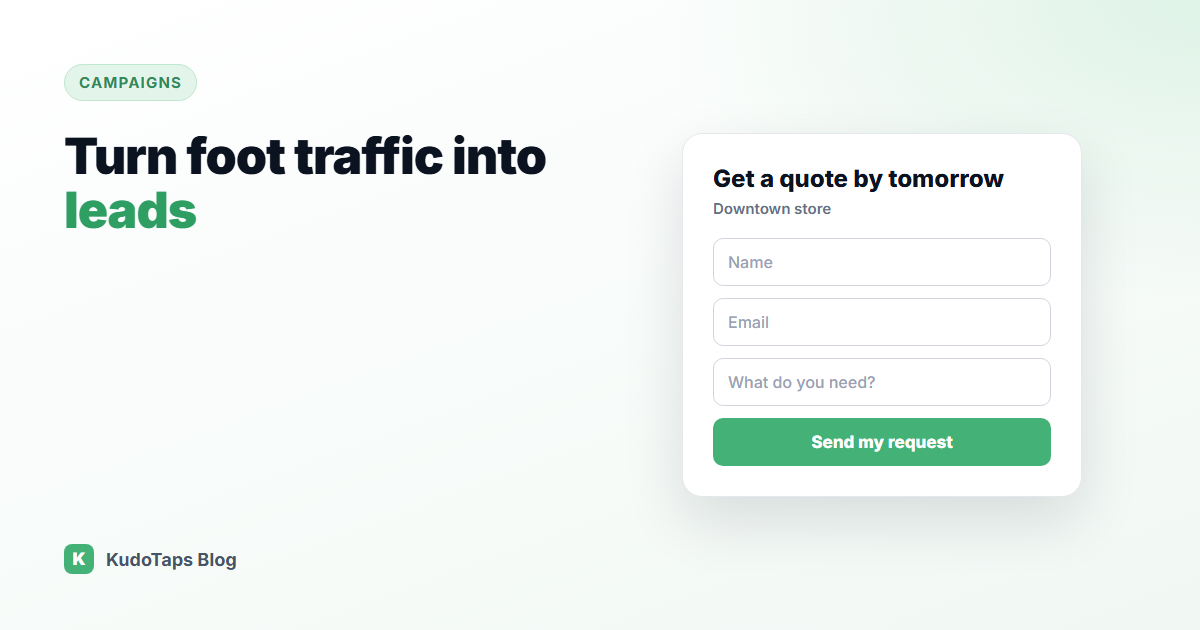
Your locations get foot traffic every day. Some of those people are ready to buy, some want a quote, and some would join a waitlist or a class if it took ten seconds. Most of them leave without a trace, because the only way to stay in touch is a paper sign-up sheet or a staff member who is busy with someone else.
In-store lead capture with a QR code fixes that. Here is how to set it up so people actually fill it in, and so you know which location each lead came from.
Why paper sign-up sheets do not work
- Unreadable. Half the email addresses cannot be typed back in correctly.
- Slow. Someone has to collect the sheets and type them up, often weeks later.
- Lost. Sheets go missing, get coffee on them, or stay in a drawer.
- Untracked. Head office cannot see which locations are collecting leads and which are not.
What to put behind the QR code
A lead form on a phone has to be short. Every field you add loses people. Ask only for what you will actually use for the next step:
| Goal | Fields you need |
|---|
| Newsletter or offers | Name, email |
| Callback or quote request | Name, phone, message |
| Waitlist or class sign-up | Name, email or phone |
| B2B enquiry | Name, company, email, message |
Give people a reason to scan
“Join our mailing list” is not a reason. Say what they get, in the headline on the poster and on the form button:
- “Get a quote by tomorrow”
- “Join the waitlist for the next class”
- “Be first to hear about new stock”
- “Book a free assessment”
Place the code where people wait or browse: the queue, the fitting room, the reception desk, a product display. Make sure it is clear that no app is needed.
Follow up while the lead is warm
A lead from someone standing in your store is the warmest lead you will ever get. The value drops quickly. Route each lead to the person who can act on it, usually the location itself, and make the follow-up the same day where you can.
Know which location each lead came from
For a multi-location business, the source matters. If one store collects fifty leads a month and another collects two, you want to know why. Is the poster in a bad spot? Does one manager mention it and another not? A separate code per location answers that without any guesswork.
How to run it with KudoTaps Campaigns
A Lead Capture campaign in KudoTaps Campaigns works like this:
- Write your own headline and button label.
- Pick up to seven fields: name, email, phone, date of birth, address, company and message. Mark which ones are required.
- Choose your locations. Each gets its own QR code and a ready-to-print poster, emailed to that location.
- When someone submits the form, that location gets an email with the lead, so the follow-up can happen the same day.
- You see every lead with the location it came from, and can export them to CSV.
Want to change the form or the headline later? Edit it once and every printed code shows the new version. See the lead capture forms use case for more ideas.
Frequently asked questions
How do I collect customer emails in store?
Put a QR code where people wait, linked to a short form that asks for a name and email and says clearly what they get in return.
How many fields should a lead capture form have?
As few as you can act on. Two or three is ideal for a phone, and never more than you will use in the follow-up.
Can each store receive its own leads?
Yes. With one code per location, each lead is tied to the store it came from, and that store can be emailed straight away.
Is collecting leads with a QR code compliant with privacy rules?
Ask only for what you need, say what you will use it for, and follow the privacy and marketing consent rules where you operate. A short line under the form helps.
Turn every location into a lead source
A short form behind a code, a poster for each site, and every lead tagged with where it came from.