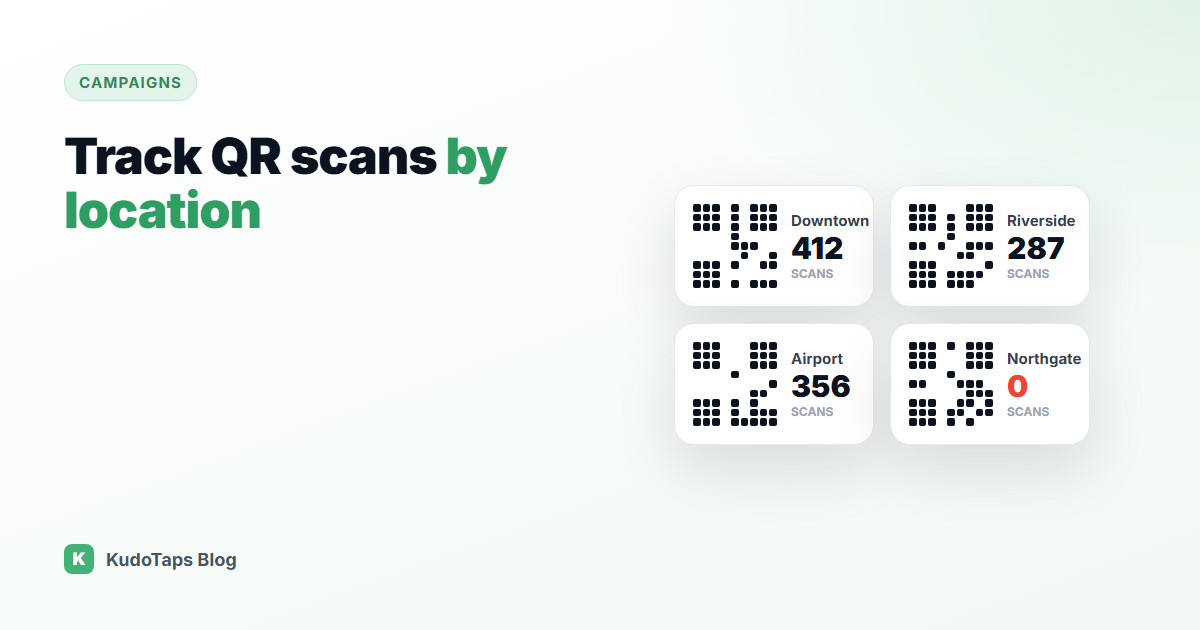
You print the same QR code on posters for every store, the campaign runs for a month, and the dashboard says 1,240 scans. Good news, but which stores drove them? Which ones never put the poster up? With one shared code, you cannot know.
Tracking QR code scans by location is one of the most common questions from multi-location brands, and the answer is simple once you see it: a code cannot report a place it does not know about. Each location needs its own code.
Why one QR code cannot tell you where it was scanned
A QR code is just a link printed as a pattern. When someone scans it, the server sees the link, a time and a phone. It does not see which wall the poster was on. Some tools guess a city from the visitor’s IP address, but that is not accurate enough to separate two stores in the same town, and it fails completely for mobile data.
The reliable approach is to make the location part of the code itself.
The three ways to track scans by location
| Method | How it works | Trade-off |
|---|
| UTM tags per store | Each code links to your site with a different tag, read in your web analytics. | Only works for links to your own website. Static codes cannot be changed after printing. |
| One dynamic code per store | Each store gets its own short link that redirects and counts scans. | Making and naming dozens of codes by hand is slow and error prone. |
| A location campaign | One setup creates a named code per location and reports them side by side. | Needs a tool built around locations. |
Use dynamic codes, not static ones
A static QR code has the destination baked into the pattern. Once printed, it can never change, and it cannot count scans unless the destination is your own site. A dynamic QR code points to a short link that you control. You can change where it goes later, and every scan is counted before the redirect.
For multi-location tracking, dynamic codes are the only sensible choice. Stores move, menus change, offers end, and reprinting posters for forty sites because a link changed is expensive.
Name every code after its location
The most common mistake is not technical. It is a spreadsheet of codes called “QR 1” to “QR 40”, and a poster that went to the wrong store. Name each code after the location it belongs to, and make sure the poster that carries it says the location name too, so staff can check they have the right one.
Read the results the right way
- Compare like with like. A busy flagship will always out-scan a small kiosk. Look at scans relative to footfall or transactions where you can.
- Zero is a signal. A location with no scans after a week usually means the poster is not up, not that customers are uninterested.
- Look at what happened after the scan. Scans are a start. Reviews left, surveys answered or leads captured per location tell you more.
How KudoTaps Campaigns handle this
A KudoTaps campaign starts from your list of locations rather than from a single code:
- Choose what the code should do: a satisfaction check, a lead form, a Smart Review, or a link to your website, menu, social profile or payment page. Each location can even have its own link.
- Pick the locations. The system creates one dynamic QR code per location, already named, up to 500 in one run.
- Each location gets its own poster with its own code and name on it, emailed to that location.
- Results appear per location on the campaign page, with a CSV export when you need it elsewhere.
Because every code is dynamic, you can change the link or the question later without reprinting anything. Read more about updating printed QR codes or see how campaigns work.
Frequently asked questions
Can a QR code tell me where it was scanned?
Not reliably. IP-based location is too rough to separate nearby stores. Giving each location its own code is the accurate way.
Do I need a different QR code for each store?
Yes, if you want results by store. The codes can all lead to the same place, but each one is counted separately.
Can I change where a QR code goes after printing it?
Only if it is a dynamic code. A static code is fixed forever once printed.
Do customers need an app to scan?
No. Modern phones scan QR codes with the built-in camera.
A named code for every location, in one step
Know exactly which sites are working, and change the destination any time without reprinting.