Most customer surveys fail before anyone answers them. The email arrives a day later, it has twelve questions, and it asks about a visit the customer has already forgotten. The few people who do respond tend to be the very happy and the very angry, which is not the picture you need.
If you run more than one location, low response rates hurt twice. You need enough answers per site to compare them fairly, and a survey that gets thirty replies a month across the whole brand cannot tell you which store is slipping. Here is how to get more people to answer, and how to make those answers useful across locations.
Why customer survey response rates are low
- Bad timing. The survey arrives after the moment has passed. The customer has to remember the visit before they can rate it.
- Too long. Every extra question loses people. A survey that says “this takes 5 minutes” is asking for a favour.
- Too much effort. Logins, app downloads and long forms on a small screen all cost answers.
- No sign anyone reads it. If nothing ever changes, regulars stop answering.
Ask one question, at the location
The single biggest change is moving the survey from the inbox to the place where the experience happened. A QR code on the table, at the exit, in the changing room or by the checkout asks while the experience is still in front of the customer.
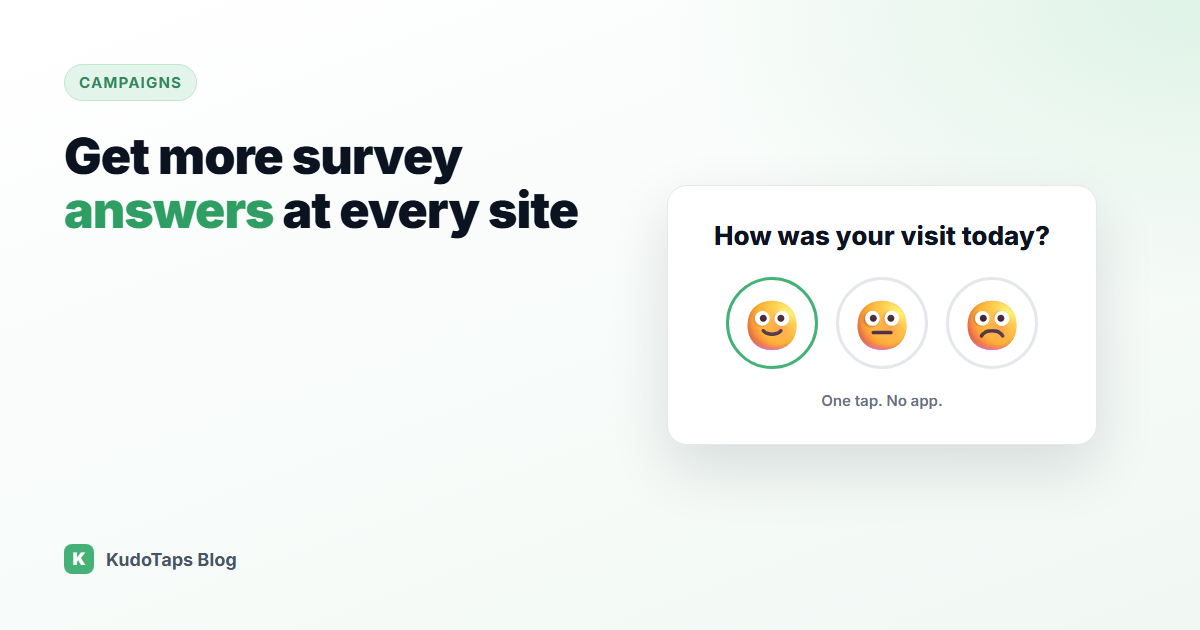
Then cut the survey down to one question with a tap answer. Three faces (happy, okay, sad) can be answered in a second, with no typing. If someone has more to say, offer an optional comment box after the tap, so the vote is already counted even if they stop there.
How to write a question people will answer
A good in-location question is specific, short and about something the location controls. Compare these:
| Vague | Specific |
|---|
| How was your experience? | How clean were the changing rooms today? |
| Rate our service. | Was your order ready when we said it would be? |
| Tell us what you think. | How was the wait at the front desk? |
A specific question gives a manager something to act on. “Experience” scores move for reasons nobody can trace.
Show people the survey matters
- Put it where it is seen. Eye level, near where people wait. Not on the back of a door.
- Say how long it takes. “One tap, no app” removes the main reason people skip it.
- Close the loop. A small sign saying “You told us the showers were cold. We fixed the heater.” makes the next answer more likely.
- Follow up on bad answers fast. If a sad face comes in, someone should know that day, not at the end of the month.
Compare locations on the same question
The real value for a multi-location business is running the same question at every site. When the wording, the poster and the placement are identical, a difference in results is about the location. That turns a survey into a league table: the sites at the bottom are where to look first.
Keep the question running for a few months before you change it, so you can see trends rather than one-week noise.
How to run it with KudoTaps Campaigns
A KudoTaps Satisfaction Check campaign does all of the above in one setup:
- Write your question, up to 120 characters.
- Pick your locations. Each one gets its own QR code and its own ready-to-print poster, emailed to that location.
- Customers scan, tap a face and can add a comment. The vote saves on the tap, with no app and no account.
- When someone taps the sad face, the account owner gets an email so it can be followed up.
- The campaign page compares results location by location, and you can export everything to CSV.
If you want to reword the question later, you change it once and every printed code shows the new wording. Nothing needs reprinting. See the customer satisfaction survey use case for more examples, or how to compare location performance.
Frequently asked questions
What is a good survey response rate?
It depends on the channel and the audience, so compare against your own past results rather than a published benchmark. The useful test for a multi-location business is whether every site gets enough answers each month to compare fairly.
How many questions should a customer survey have?
For an in-location survey, one. Ask a single specific question with a tap answer, and offer an optional comment after it.
Should I offer an incentive for completing a survey?
For a one-tap survey you rarely need one. Short, well-timed and visibly acted on does more than a discount code.
Can customers answer without downloading an app?
Yes. A QR code opens in the phone’s camera and the survey loads as a web page.
One question, every location, answers that compare
Write it once. Each location gets its own code and poster, and the results line up side by side.