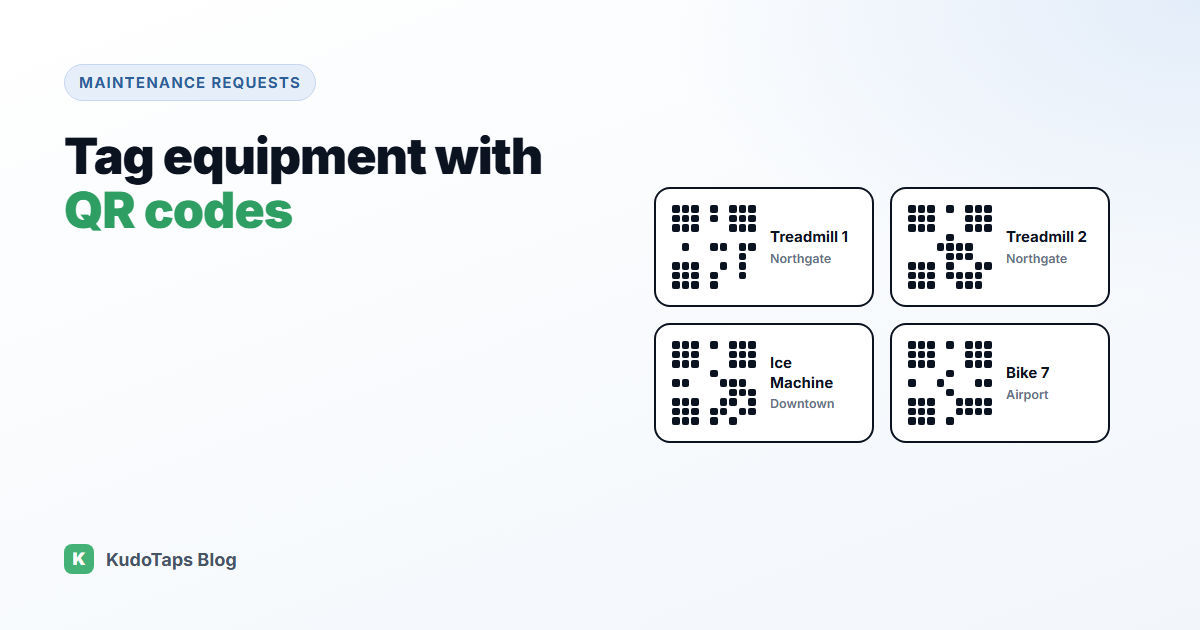
A QR code on a piece of equipment does one very useful thing: it tells anyone who scans it exactly which machine they are standing at. For maintenance, that removes the most common problem with fault reports, which is not knowing what is broken or where.
Here is how to plan, name, print and roll out QR equipment tags across a site, and how to keep them useful once they are on the wall.
What QR asset tags are for
Traditional asset tags, barcodes or numbered plates, are built for audits. Someone with a scanner walks around and checks what is there. QR tags can do that too, but for maintenance their real value is that anyone with a phone can scan them. That makes every staff member, member, guest or tenant a possible reporter.
Step 1: Decide what gets a tag
Tag anything that can break and that someone would need to identify: treadmills and bikes, washing machines, ice machines, ovens and fryers, HVAC units, doors and lifts, hand dryers, vending machines. For rooms and areas, such as restrooms or changing rooms, put one tag at the entrance.
Do not try to tag everything on day one. Start with the equipment that breaks most often or costs most when it does.
Step 2: Pick a naming convention
The name is what your technician reads, so make it obvious. A simple pattern works best: type + number + location, for example “Treadmill 4, Northgate” or “Ice Machine, Kitchen, Downtown”. Avoid internal codes nobody outside the office understands.
Step 3: Build the equipment list
There are two ways to build the list:
- From a spreadsheet. If you already have an asset register, import it.
- From the floor. Print a batch of blank numbered labels, stick them on the equipment, then name each one by scanning it on the spot. This is often faster than building a spreadsheet first, because you name things while looking at them.
Step 4: Print labels that survive
- Size: large enough to scan from a normal standing distance. About 2 to 3 cm square for close-up equipment, bigger for anything viewed from further away.
- Material: laminated or vinyl labels for anything that gets wiped down, wet or hot.
- Placement: at eye or hand level, on a flat surface, away from moving parts, and in the same spot on each machine of the same type.
- Words: a short line such as “Problem with this machine? Scan to report”. Without it, people will not know what the code is for.
Step 5: Use dynamic codes
Each tag should point to a dynamic link, not a fixed web address. That way, if a machine is replaced or moved, you update the record and the label keeps working. You never reprint a tag because something changed behind it.
Step 6: Roll it out site by site
- Tag one site first and run it for two weeks.
- Check which labels get scanned and which reports come in.
- Fix naming and placement issues before you scale.
- Roll out to the remaining sites with the same naming pattern.
How equipment tags work in KudoTaps
Equipment labels come with the Operations plan in KudoTaps Maintenance Requests, and they are unlimited:
- Add equipment by hand, import up to 500 rows from a spreadsheet, or print blank numbered labels in batches of up to 200 and name each by scanning it.
- Print the labels yourself from the print pack, or have KudoTaps print and ship them for a fee.
- Scanning a label opens a report form for that exact machine and location. The reporter picks out of order, needs cleaning, damaged, safety issue or something else, and can add a note and up to two photos. No app or account.
- Tags and history: group equipment with tags and see every request a machine has ever had.
Read more about QR asset tags or the asset tagging and equipment register use case.
Frequently asked questions
What is a QR code asset tag?
A label with a QR code that identifies one piece of equipment. Scanning it opens information about that item, or a form to report a problem with it.
What size should a QR code equipment label be?
Big enough to scan comfortably from where people stand. Around 2 to 3 cm square works for equipment scanned up close. Go larger for anything scanned from further away.
Do QR asset tags need a special scanner?
No. Any modern phone camera can scan them.
What happens when equipment is replaced?
With a dynamic code, update the equipment record and keep the label, or move the label to the new machine.
Tag a site in an afternoon
Unlimited equipment labels, named by scanning, and every fault reported against the right machine.